Handwriting

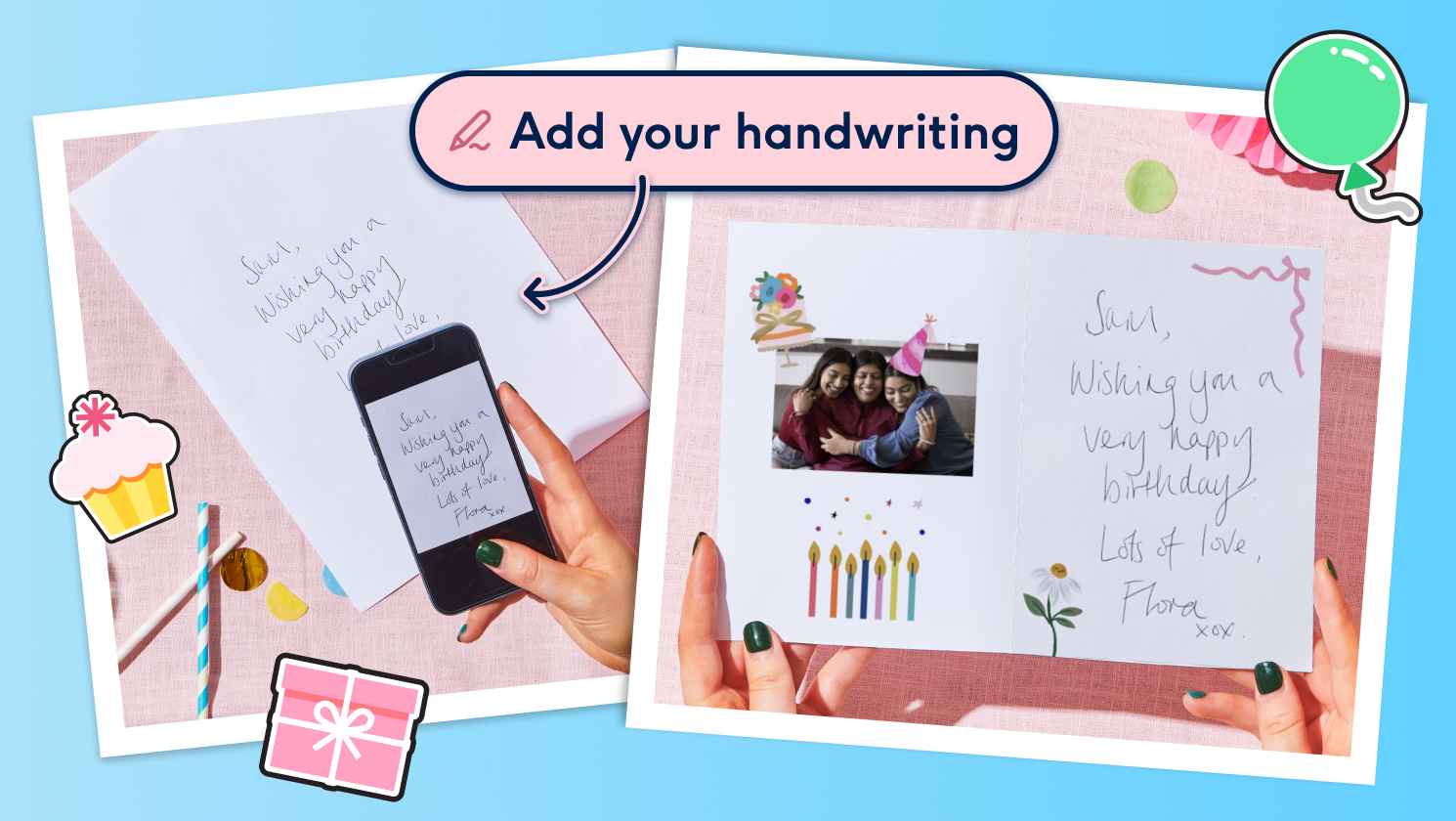
Tried our new handwriting feature?
Simply choose a card, draw your letter, and get typing - only in our app.
Add your handwriting to your card in 3 simple steps

Choose your card & find ‘handwriting’
Choose a card and start personalising it. In the toolbar (where the stickers and other fun tools are), tap ‘Handwriting’.

Write your letters
Use your finger or stylus to draw each letter on the screen – just like using pen and paper.

Type and ta-da!
Once you’ve nailed your letters, type your message as usual, and watch it appear in your very own handwriting. Magic!